When you first hit the open ocean in Windrose, the exploration is exhilarating. But as your campaign stretches on, constantly sailing back to previously cleared islands to turn in quests or farm bosses becomes a massive drain on the game clock. You need to speed up your transitions.
In Windrose, fast travel isn’t handed to you on game day; you have to build the infrastructure yourself. To unlock point-to-point teleportation, you need to acquire a Fast Travel Bell and manually construct your anchor points along the coastlines.
Here is your complete, inverted-pyramid breakdown for establishing a dominant fast travel network across the map.
The Rulebook: How Fast Travel Mechanics Operate
Before you start dropping bells, you need to understand how the system’s zone defense works. Windrose prioritizes exploration first, meaning you have to physically reach a destination before you can set up a route.
-
The Coastal Requirement: You cannot drop an anchor just anywhere. Fast travel points are strictly limited to coastal areas.
-
Point-to-Point Execution: Movement is anchor-to-anchor. You need at least two established Fast Travel Points to teleport over land.
-
The Ship-to-Shore Audible: If you only have one Fast Travel Point built, you can still execute a play by teleporting directly from your ship to that single point.
-
The Roster Cap: You are capped at a maximum of 10 Fast Travel Points active on the map at any given time.
ALSO READ: Where Winds Meet Scouting Report: Cracking the Path of Water Dungeon
Securing the Asset: How to Get a Fast Travel Bell
To build a point, you need the core component: The Fast Travel Bell. You have two ways to draft this item to your roster: scouting the field (looting) or building it in the facility (crafting).
Method 1: Scouting the Field (Looting)
Early in the game, you can secure guaranteed bells from two specific locations. Consider these your high-value rookie draft picks:
-
The Starting Island Smuggling Cache: Scout the coastline of your starter island. Look for a hidden entrance obscured by heavy vines and foliage. Hack away the brush to reveal a chest containing your first Bell. Scouting Warning: A heavy-hitting enemy known as the “Drowned” patrols this zone. Keep your distance or be prepared for a fight.
-
The Western Abandoned Pirate Camp: Head west to the ruined pirate encampment. The second guaranteed bell is stashed in the ruins. You will need to clear out a pack of aggressive boars acting as the defensive line before you can safely loot the structure.
Method 2: The Practice Squad (Crafting)
Looting is a finite strategy. For a sustainable, long-term game plan, you need to manufacture your own Bells at the Workbench.
The Required Materials:
-
10x Copper Ingots: Refined by smelting Copper Ore in your Furnace.
-
3x Ropes: Crafted by harvesting Plant Fiber from bushes.
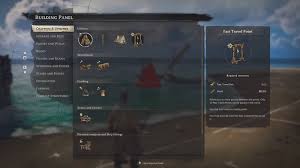
The Execution: Open your Building Mode -> navigate to Crafting and Utilities -> select Utilities -> craft your Quick Travel Bell.
Executing the Play: Building Your Fast Travel Point
Once you have the Bell in your inventory, it is time to establish your beachhead.
-
Gather Lumber: You will need 10 Wood for a standard build (or 20 Wood if you are creating an upgraded version).
-
Access the Playbook: Open the Building Panel, go to the Crafting & Utilities tab, and select the Utilities sub-menu.
-
Place the Anchor: Select the Fast Travel Point and snap it down near the coast.
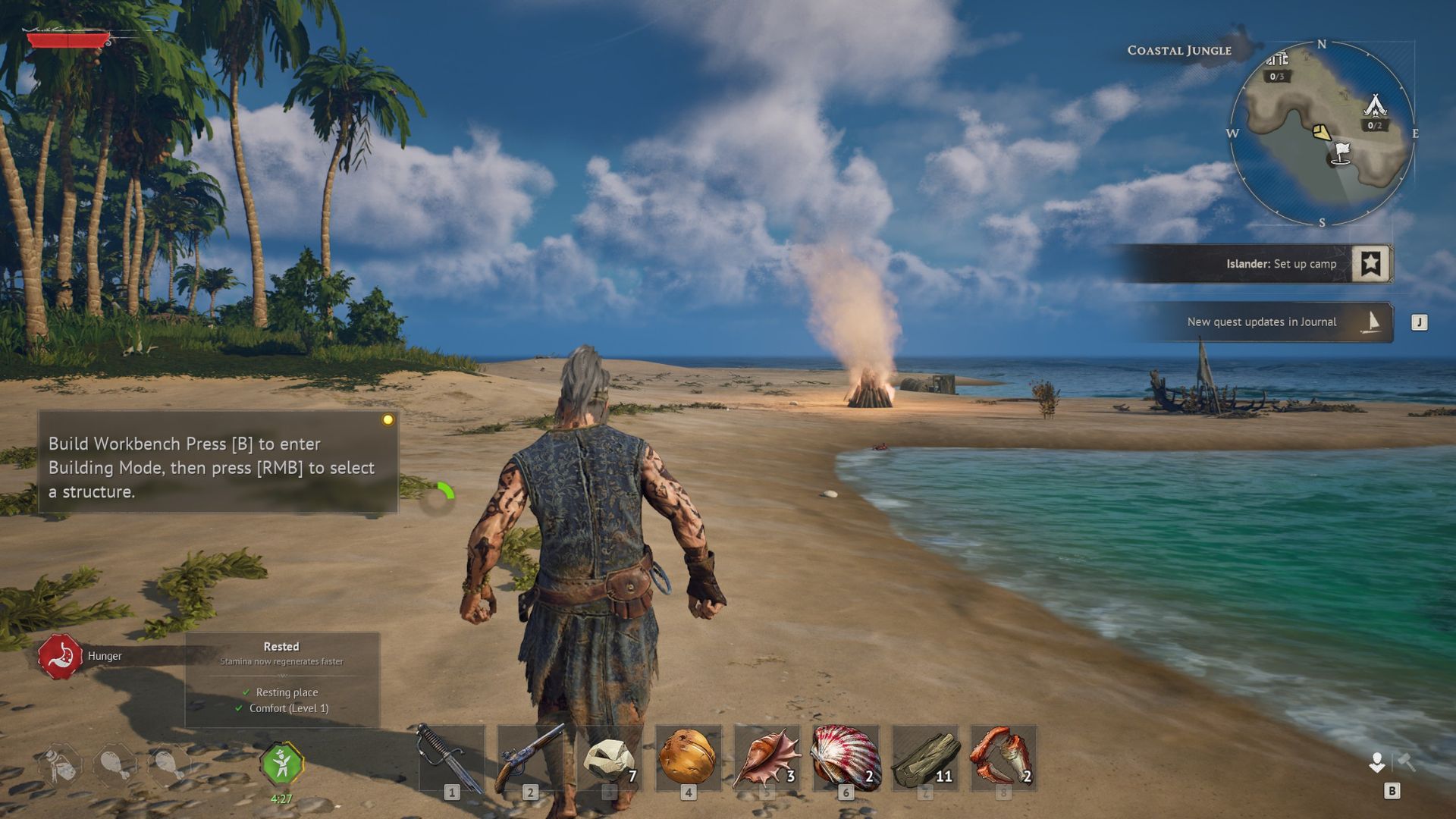
Tactical Tip: If you are setting up a major hub, consider building a Bonfire right next to your Fast Travel Point. This combination perfectly supports a Wharf, allowing you seamless management of both your character and your vessel in one location.
Social Media Link Suggestion: [Discord Placeholder: Join the theorycrafting channel to discuss the best coastal base-building locations!]
Running the Offense: How to Teleport
With your network established, executing a fast travel play is completely frictionless. You can call the play using one of two methods:
-
The Quick Call: Press the ‘B’ button to instantly open the bell interface.
-
The Map Overview: Open your standard world map, highlight the Fast Travel Point you want to jump to, and confirm the travel command.
All active fast travel locations remain permanently visible on your world map until you manually dismantle them to free up space under your 10-point roster cap.